
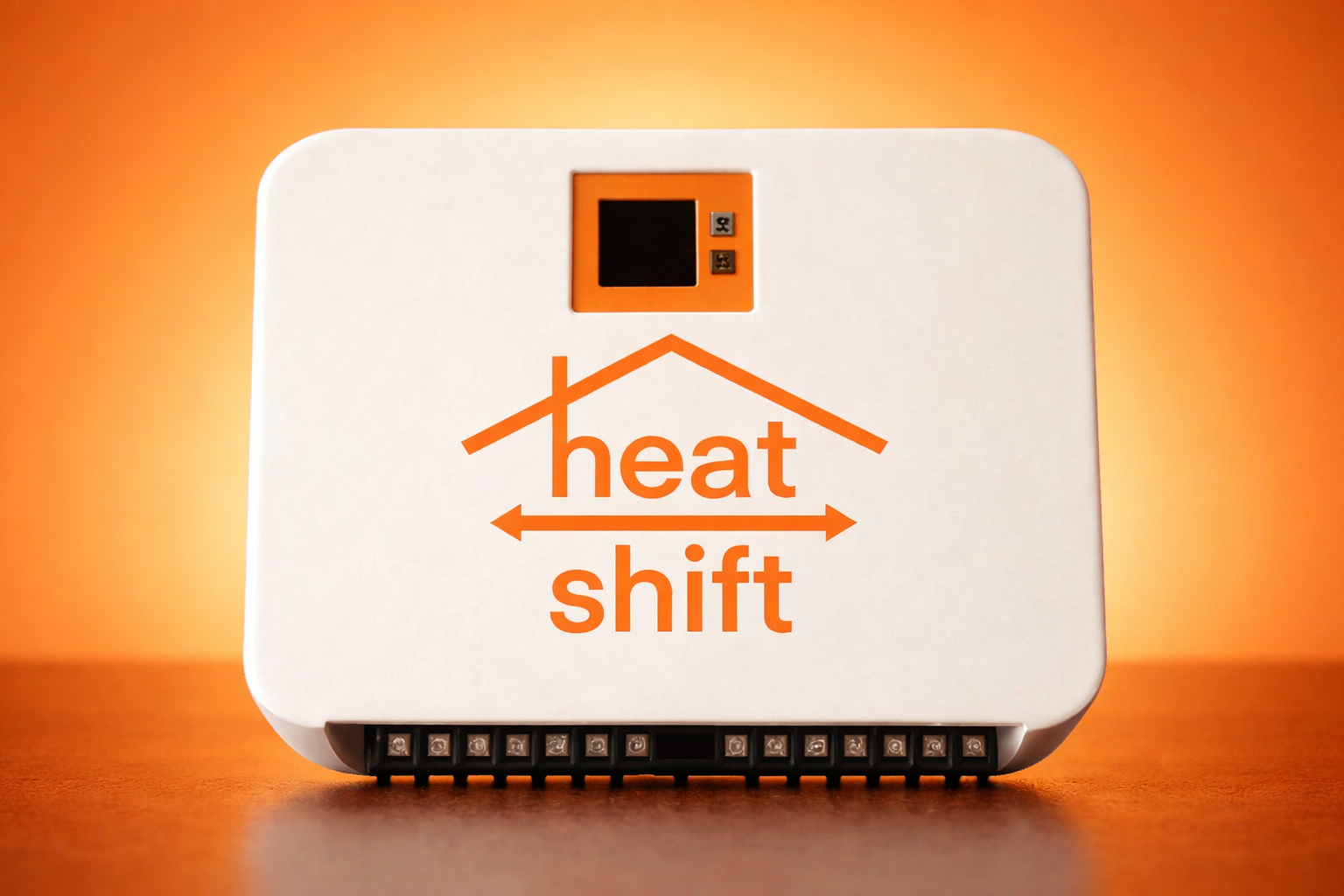
Heat Shift Smart Control User Guide
Welcome to Heat Shift!
Congratulations on your Heat Shift Smart Control installation! You're about to start saving money on your heating bills while staying comfortable all winter long.
Heat Shift is designed to be incredibly simple to use. Set your activation temperature once, and Heat Shift does the rest—automatically using heat from your wood stove, pellet stove, or other heat source to warm your home instead of running your furnace. Set it and forget it.
Quick Start (2 Minutes)
Your Heat Shift system is already installed and calibrated. Here's all you need to do:
- Enter Settings (press both buttons on the home screen)
- Set your fuel cost (what you pay per gallon for oil/propane)
- Set your nozzle size (we'll tell you this number—it's on your furnace)
- Set your activation temperature (start with 80°F and adjust over time)
- Done! Use your thermostat exactly as you always have
Heat Shift handles the rest automatically.
Understanding Your Home Screen
When you look at your Heat Shift control unit, you'll see:
for Main Menu
Current Temp: 74.5
Smart Shift: 82.5
Estimated Savings:
$4,850 / 118.4 gal.
What this means:
- Current Temp: The temperature in your source room (where your wood stove or pellet stove is located)
- Smart Shift: 82.5: You're in Smart Shift mode with activation temperature set to 82.5°F
- Estimated Savings: Since installation, you've saved $4,850 and 118.4 gallons of fuel
Navigating the Menu
Heat Shift has two buttons—no labels needed:
- Top Button: Scroll up through menu options
- Bottom Button: Scroll down through menu options
- Both Buttons Together: Select an option OR return to home screen
That's it. Simple.
Main Menu
Press both buttons from the home screen to access the Main Menu:
- Mode – Choose how Heat Shift operates
- System Status – Turn Heat Shift on or off
- Settings – Configure fuel cost, nozzle size, and display options
- Exit Main Menu – Return to home screen
Choosing Your Mode
Heat Shift offers four operating modes. Most customers use Smart Shift mode and never need to change it.
Smart Shift Mode (Recommended)
How it works: Heat Shift automatically decides when to use your heat source and when to use your furnace based on the temperature in your source room.
- When source room is hot (above activation temp): Heat Shift pulls warm air from that room and turns OFF your furnace. You heat your home with your wood stove instead of burning oil/propane.
- When source room is cool (below activation temp): Heat Shift switches back to your furnace to ensure you stay warm.
Best for: Most customers. Maximizes savings while maintaining comfort automatically.
Stand Alone Mode
How it works: Heat Shift operates independently without communicating with your thermostat or primary heat source. The system simply circulates warm air from your source room whenever it's above the activation temperature.
Best for: Homes without a primary heating system (or where Heat Shift isn't connected to one). For example, a cabin heated entirely by a wood stove, or a home addition with its own heat source.
Eco Boost Mode
How it works: Heat Shift ONLY uses your heat source. Your furnace never runs, even when the source room is cool.
Best for: Maximum savings when you want to heat exclusively with your wood/pellet stove and don't mind if your home gets cooler when the fire dies down.
Power Boost Mode
How it works: Heat Shift pulls warm air from your source room AND keeps your furnace running at the same time.
Best for: Extremely cold days when you want maximum heating power, or if you have a passive heat source (like a sun room or south-facing windows) that provides some warmth but not enough to heat your whole home alone.
Setting Your Activation Temperature
The activation temperature is the key to getting Heat Shift just right for your home.
What It Does
- Higher activation temp (e.g., 85°F): Heat Shift only uses your heat source when it's VERY hot. You'll get more consistent heating but lower savings.
- Lower activation temp (e.g., 75°F): Heat Shift uses your heat source more often. You'll get higher savings but slightly less consistent heat.
How to Set It
- From the Main Menu, select Mode
- Scroll to Activation Temp
- Press both buttons
- Use top/bottom button to adjust temperature up or down
- Press both buttons to save and exit
Finding Your Sweet Spot
Start with 80°F. Over the next few weeks, adjust based on your comfort:
- Too cold in your home? → Raise activation temp to 82°F or 85°F
- Perfectly comfortable and want more savings? → Lower activation temp to 78°F or 75°F
Most customers find their ideal setting within a week or two. Once you've found it, you won't need to adjust it again—set it and forget it.
Settings Menu
From the Main Menu, select Settings to access:
Save Settings
Select this to save all current settings. (Settings are also saved automatically when you adjust individual items.)
Calibrate
Your Heat Shift system comes pre-calibrated. You shouldn't need to touch this—our team has already set it up for you.
Nozzle Size
This is the size of your furnace's fuel nozzle (measured in gallons per hour). We'll tell you this number during installation. You shouldn't need to change it.
To adjust:
- Select Nozzle Size
- Use top/bottom button to adjust
- Press both buttons to save and exit
Fuel Cost
Enter what you pay per gallon for oil or propane. This helps Heat Shift calculate your savings accurately.
To adjust:
- Select Fuel Cost
- Use top/bottom button to adjust
- Press both buttons to save and exit
Tip: Update this whenever fuel prices change to keep your savings estimate accurate.
Display Options
Adjust screen timeout and other display settings.
Reset Time Stats
This resets your estimated savings to $0 and 0 gallons. Use this if you want to track savings from a specific date forward (e.g., start of a new heating season).
Back
Return to Main Menu.
Using Your Thermostat
Here's the best part: you don't need to change anything.
Use your thermostat exactly as you always have. Set it to your desired temperature. Heat Shift works in the background, automatically using your heat source when it's available and switching to your furnace when needed.
You'll stay comfortable, and you'll save money—without thinking about it.
Maximizing Your Savings
Keep Your Heat Source Running
The more you use your wood stove or pellet stove, the more you save. Heat Shift can only help when there's heat to pull from your source room.
Don't Overthink It
Heat Shift is designed to be simple. Set your activation temperature, use your thermostat normally, and let the system do its job.
Check Your Savings
Glance at your home screen periodically to see how much you've saved. It's motivating!
Troubleshooting
"My home isn't heating"
Check:
- Is your heat source (wood stove, pellet stove) running?
- Is your source room warm enough (above activation temp)?
- Is Heat Shift in Stand Alone or Eco Boost mode? Try switching to Smart Shift mode.
- Is your thermostat set to a reasonable temperature?
"I'm not seeing much savings"
Check:
- Is your heat source running consistently?
- Is your activation temperature set appropriately? (Lower = more savings)
- Is your fuel cost entered correctly in Settings?
"The screen is off"
This is normal. The screen times out to save power. Press either button to wake it up.
Still Have Questions?
We're here to help!
Call us: 845-419-3361
Email us: hello@getcooldown.com
Visit: getcooldown.com
Technical Specifications
- Operating Temperature Range: 32°F to 120°F
- Power: 24V AC (powered by your HVAC system)
- Dimensions: 5" x 5" x 2"
- Display: Backlit LCD with auto-timeout
- Compatibility: Works with forced-air furnaces, boilers with air handlers, and most HVAC systems
Thank you for choosing Heat Shift! Enjoy your savings and stay warm.
© GeoFlo Cooling Inc. | getcooldown.com